> ## Documentation Index
> Fetch the complete documentation index at: https://arivu.mintlify.site/llms.txt
> Use this file to discover all available pages before exploring further.
# Google Gemini
> Connect to Google Gemini for multimodal model support.
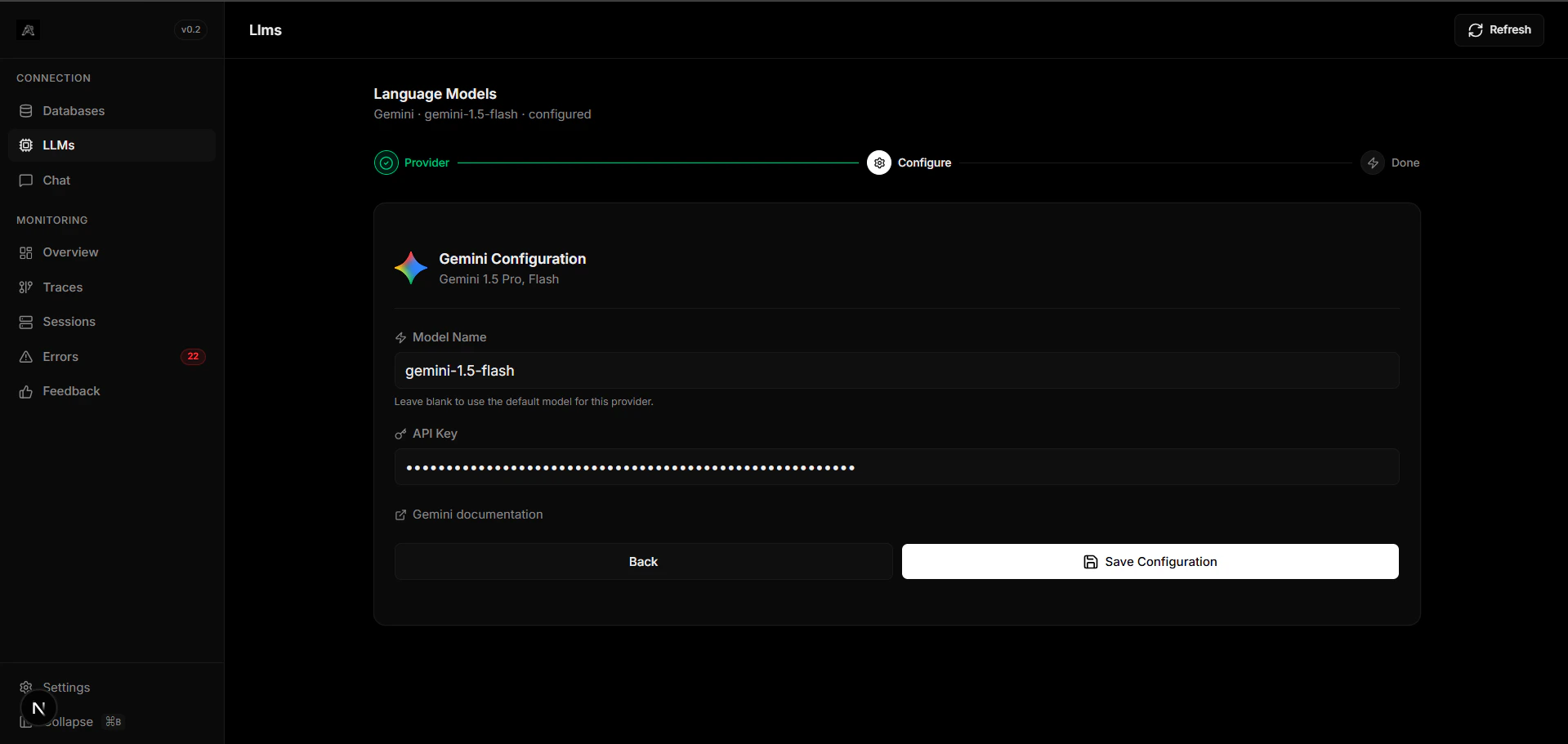 ## Overview
Gemini is Google's most capable AI model series, seamlessly designed to be multimodal—understanding, operating across, and combining different types of information including text, code, audio, image, and video.
Process images, video, and text inherently without patched tools.
Gemini 1.5 Pro scales up to 1M or 2M context windows.
## Configuration
Retrieve your key from [Google AI Studio](https://aistudio.google.com/).
Export your key locally or configure your host:
```bash .env theme={null}
GEMINI_API_KEY="AIzaSy..."
DEFAULT_MODEL="gemini-1.5-pro"
```
For enterprise applications, Arivu can also interact with Vertex AI configurations using standard `GOOGLE_APPLICATION_CREDENTIALS`.
## Overview
Gemini is Google's most capable AI model series, seamlessly designed to be multimodal—understanding, operating across, and combining different types of information including text, code, audio, image, and video.
Process images, video, and text inherently without patched tools.
Gemini 1.5 Pro scales up to 1M or 2M context windows.
## Configuration
Retrieve your key from [Google AI Studio](https://aistudio.google.com/).
Export your key locally or configure your host:
```bash .env theme={null}
GEMINI_API_KEY="AIzaSy..."
DEFAULT_MODEL="gemini-1.5-pro"
```
For enterprise applications, Arivu can also interact with Vertex AI configurations using standard `GOOGLE_APPLICATION_CREDENTIALS`.