> ## Documentation Index
> Fetch the complete documentation index at: https://arivu.mintlify.site/llms.txt
> Use this file to discover all available pages before exploring further.
# Ollama
> Run local large language models securely with Ollama.
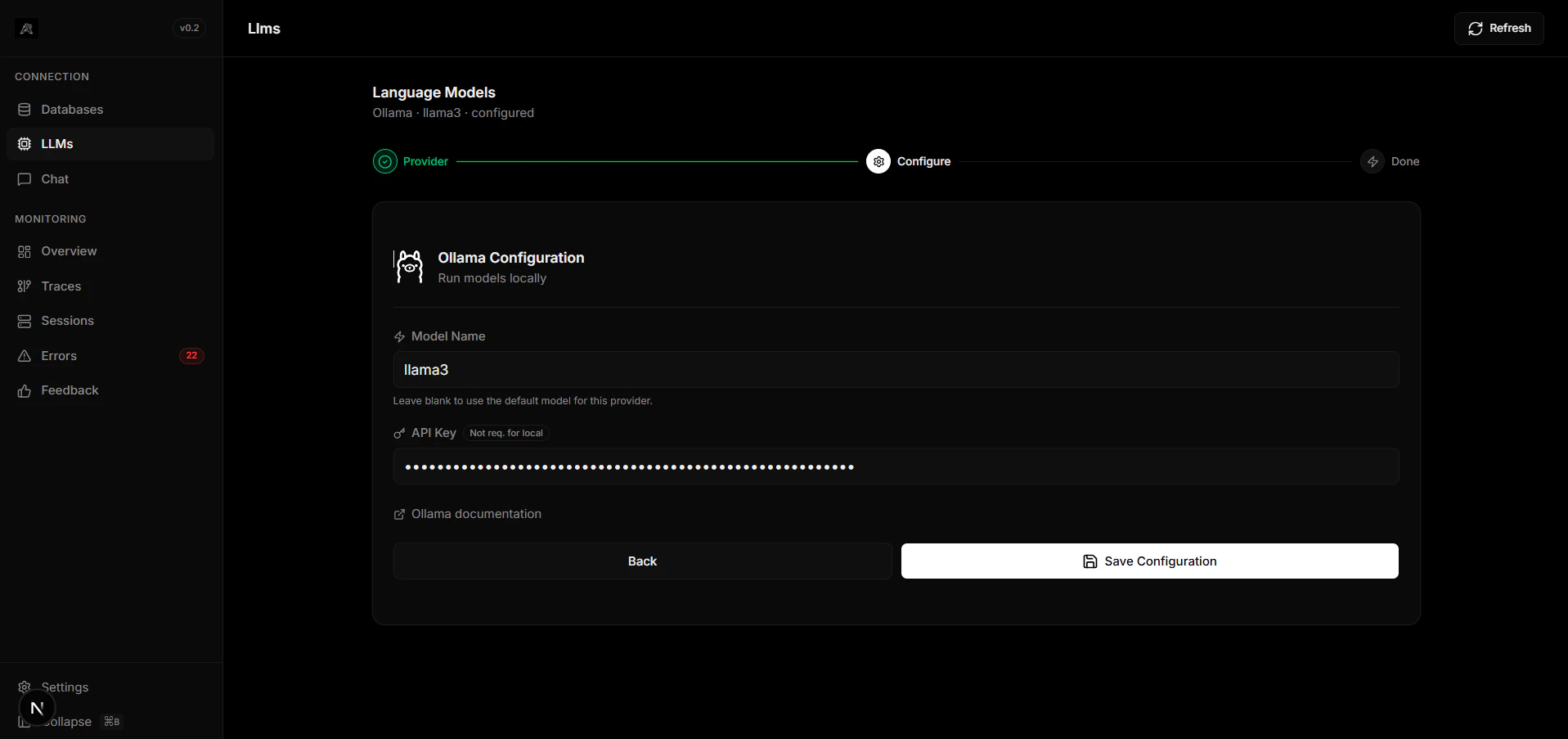 ## Overview
Ollama is an open-source tool that allows you to run large language models locally. It is the premier choice for organizations that need strict data privacy or completely offline AI capabilities.
Your data never leaves your environment.
Execute models with a simple `ollama run ` command.
## Configuration
Download and install the runner from [Ollama's website](https://ollama.com/), and pull a model (e.g., `ollama pull llama3`).
Ollama defaults to running its API engine on localhost port 11434:
```bash .env theme={null}
OLLAMA_BASE_URL="http://localhost:11434"
DEFAULT_MODEL="llama3"
```
If Arivu is running inside a Docker container, your host might need to be referenced via `http://host.docker.internal:11434` instead of `localhost`.
## Overview
Ollama is an open-source tool that allows you to run large language models locally. It is the premier choice for organizations that need strict data privacy or completely offline AI capabilities.
Your data never leaves your environment.
Execute models with a simple `ollama run ` command.
## Configuration
Download and install the runner from [Ollama's website](https://ollama.com/), and pull a model (e.g., `ollama pull llama3`).
Ollama defaults to running its API engine on localhost port 11434:
```bash .env theme={null}
OLLAMA_BASE_URL="http://localhost:11434"
DEFAULT_MODEL="llama3"
```
If Arivu is running inside a Docker container, your host might need to be referenced via `http://host.docker.internal:11434` instead of `localhost`.