> ## Documentation Index
> Fetch the complete documentation index at: https://arivu.mintlify.site/llms.txt
> Use this file to discover all available pages before exploring further.
# Qwen
> Integration with Alibaba's Qwen language models.
 ## Overview
Qwen is Alibaba's cutting-edge series of large language models, delivering strong performance across multilingual understanding, reasoning, and generation tasks. Qwen models are designed for both enterprise and research applications.
Strong support for multiple languages and cross-lingual understanding.
Competitive benchmarks on reasoning and generation tasks.
## Get Your API Key
Navigate to [DashScope platform](https://dashscope.aliyun.com)
Sign up or log into your account
Go to your API key management section
Create a new API key for your Arivu integration
## Configuration
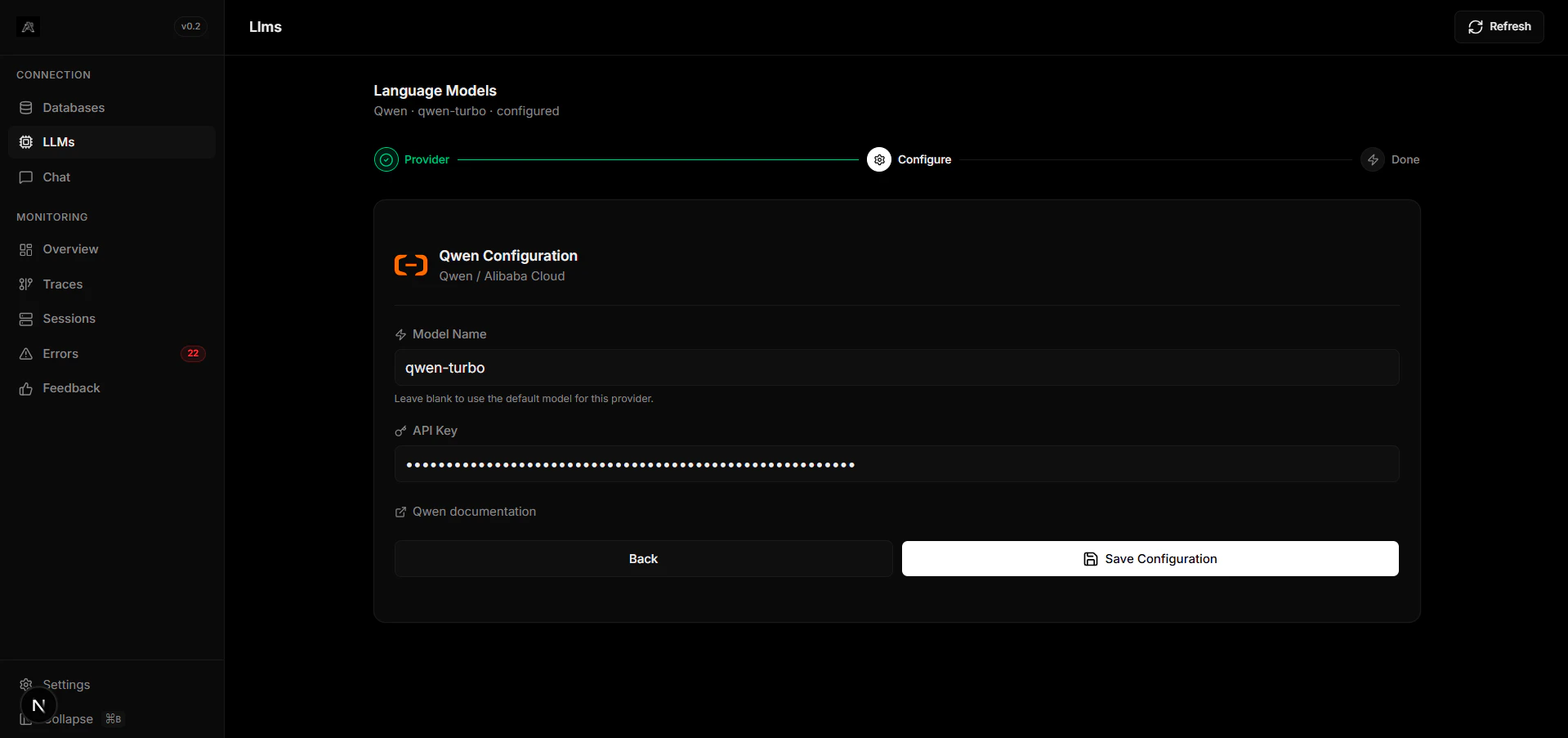
Enter your Qwen API key in Arivu's LLM connection settings:
Ensure your API key has the necessary permissions for model inference.
## Supported Models
Qwen offers several model families:
* **Qwen-Plus** - Balanced performance and speed
* **Qwen-Max** - Maximum capability and accuracy
* **Qwen-Turbo** - Optimized for speed
* **CodeQwen** - Specialized for code generation
## Troubleshooting
If you encounter connection issues, verify that your API key is properly configured and has active quota.
For additional support, visit [DashScope documentation](https://dashscope.aliyun.com/docs).
## Overview
Qwen is Alibaba's cutting-edge series of large language models, delivering strong performance across multilingual understanding, reasoning, and generation tasks. Qwen models are designed for both enterprise and research applications.
Strong support for multiple languages and cross-lingual understanding.
Competitive benchmarks on reasoning and generation tasks.
## Get Your API Key
Navigate to [DashScope platform](https://dashscope.aliyun.com)
Sign up or log into your account
Go to your API key management section
Create a new API key for your Arivu integration
## Configuration
Enter your Qwen API key in Arivu's LLM connection settings:
Ensure your API key has the necessary permissions for model inference.
## Supported Models
Qwen offers several model families:
* **Qwen-Plus** - Balanced performance and speed
* **Qwen-Max** - Maximum capability and accuracy
* **Qwen-Turbo** - Optimized for speed
* **CodeQwen** - Specialized for code generation
## Troubleshooting
If you encounter connection issues, verify that your API key is properly configured and has active quota.
For additional support, visit [DashScope documentation](https://dashscope.aliyun.com/docs).