> ## Documentation Index
> Fetch the complete documentation index at: https://arivu.mintlify.site/llms.txt
> Use this file to discover all available pages before exploring further.
# Connections Overview
> Managing your data and intelligence sources
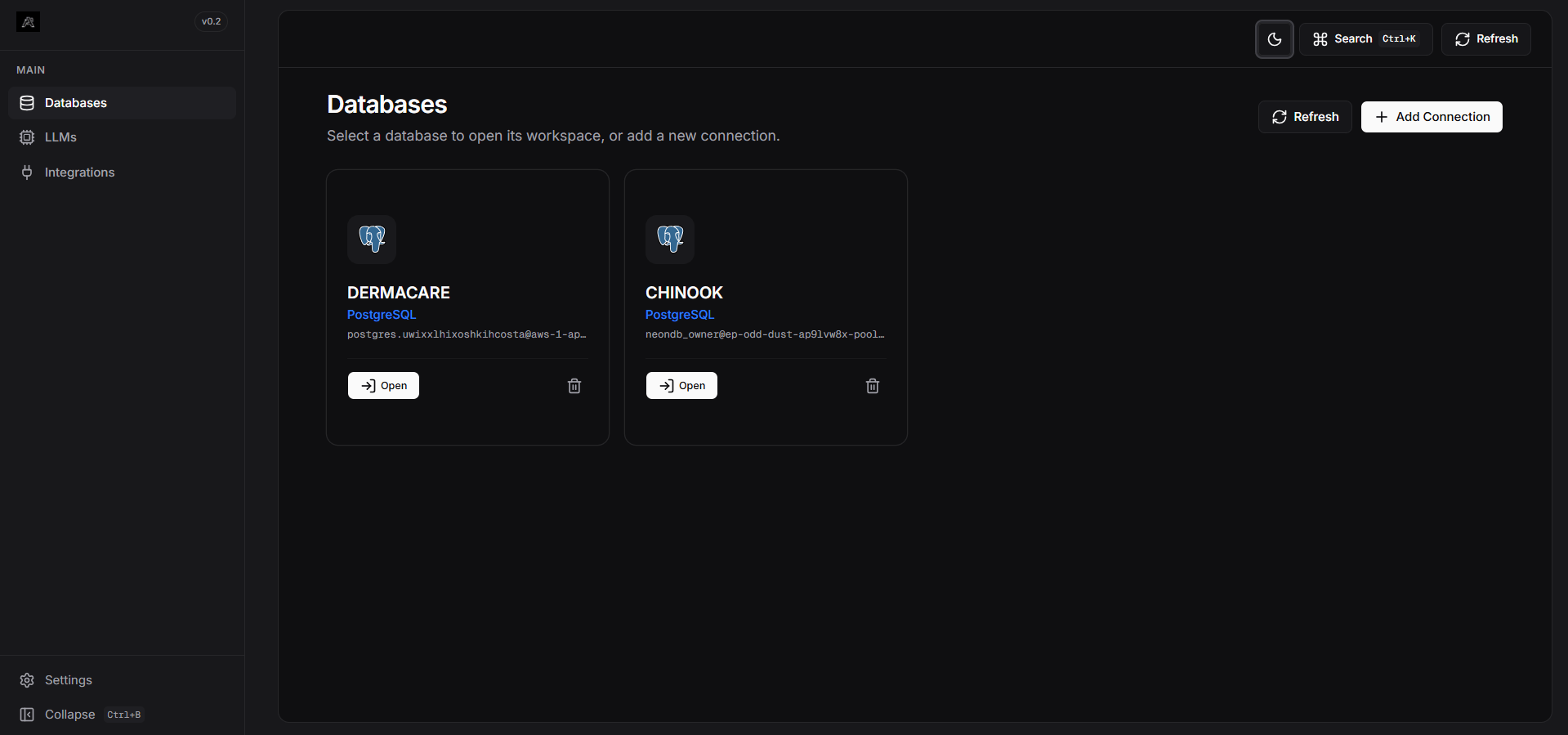
Arivu acts as a bridge between your **Data (SQL)**, **Intelligence (LLM)**, and **Actions (Integrations)**. The Connections module is where you configure these aspects.
 ## Data Sources
Connect to your relational databases. Arivu supports multi-dialect federation, meaning you can have PostgreSQL, MySQL, and SQLite connections running simultaneously.
Enterprise-grade ACID-compliant relational database.
High-performance relational engine for web-scale apps.
Zero-config local database for rapid prototyping.
Scalable cloud data warehouse for enterprise analytics.
## Intelligence Layer (LLM Providers & Store)
Select and configure the LLM that powers SQL generation. You can configure multiple models and use the **LLM Store** to save, manage, and instantly toggle between different LLM configurations with zero code changes.
GPT-4o and GPT-4o-mini for industry-standard reasoning.
Claude 3.5 Sonnet for advanced dialect-aware generation.
Ultra-fast inference with Llama 3 for real-time dashboards.
Run models locally with zero API costs.
## App Integrations
Configure external platforms to send automated reports and alerts. Once connected here globally, they can be utilized across all database workspaces in your scheduled Automations.
Telegram, WhatsApp, Slack, and Discord bot integrations.
Send custom JSON payloads or HTML emails on schedule.
## Data Sources
Connect to your relational databases. Arivu supports multi-dialect federation, meaning you can have PostgreSQL, MySQL, and SQLite connections running simultaneously.
Enterprise-grade ACID-compliant relational database.
High-performance relational engine for web-scale apps.
Zero-config local database for rapid prototyping.
Scalable cloud data warehouse for enterprise analytics.
## Intelligence Layer (LLM Providers & Store)
Select and configure the LLM that powers SQL generation. You can configure multiple models and use the **LLM Store** to save, manage, and instantly toggle between different LLM configurations with zero code changes.
GPT-4o and GPT-4o-mini for industry-standard reasoning.
Claude 3.5 Sonnet for advanced dialect-aware generation.
Ultra-fast inference with Llama 3 for real-time dashboards.
Run models locally with zero API costs.
## App Integrations
Configure external platforms to send automated reports and alerts. Once connected here globally, they can be utilized across all database workspaces in your scheduled Automations.
Telegram, WhatsApp, Slack, and Discord bot integrations.
Send custom JSON payloads or HTML emails on schedule.