> ## Documentation Index
> Fetch the complete documentation index at: https://arivu.mintlify.site/llms.txt
> Use this file to discover all available pages before exploring further.
# Chat Charts
> Pin AI-generated charts directly from the Chat interface.
The fastest way to build a dashboard in Arivu is to use the Chat interface. Arivu's Generative UI automatically renders charts for tabular data, which you can easily pin to any dashboard.
This method supports complex, multi-table queries because the LLM writes the underlying SQL for you.
## Pinning a Chart from Chat
Navigate to the **Chat** interface in your database workspace. Ask a question that yields tabular data (e.g., *"Show me daily signups over the last month"* or *"What is the revenue breakdown by product category?"*).
Arivu will generate the SQL, execute it, and return a response card. If the data is suitable, a visualization will automatically render.
On the visualized chart card in the chat, locate and click the **Pin** icon.
A modal will appear prompting you to select an existing dashboard. Choose the dashboard you want this chart to live on.
Navigate back to that Dashboard. You will see the generated chart has been added. You can now resize and drag it to customize the layout neatly alongside your other metrics.
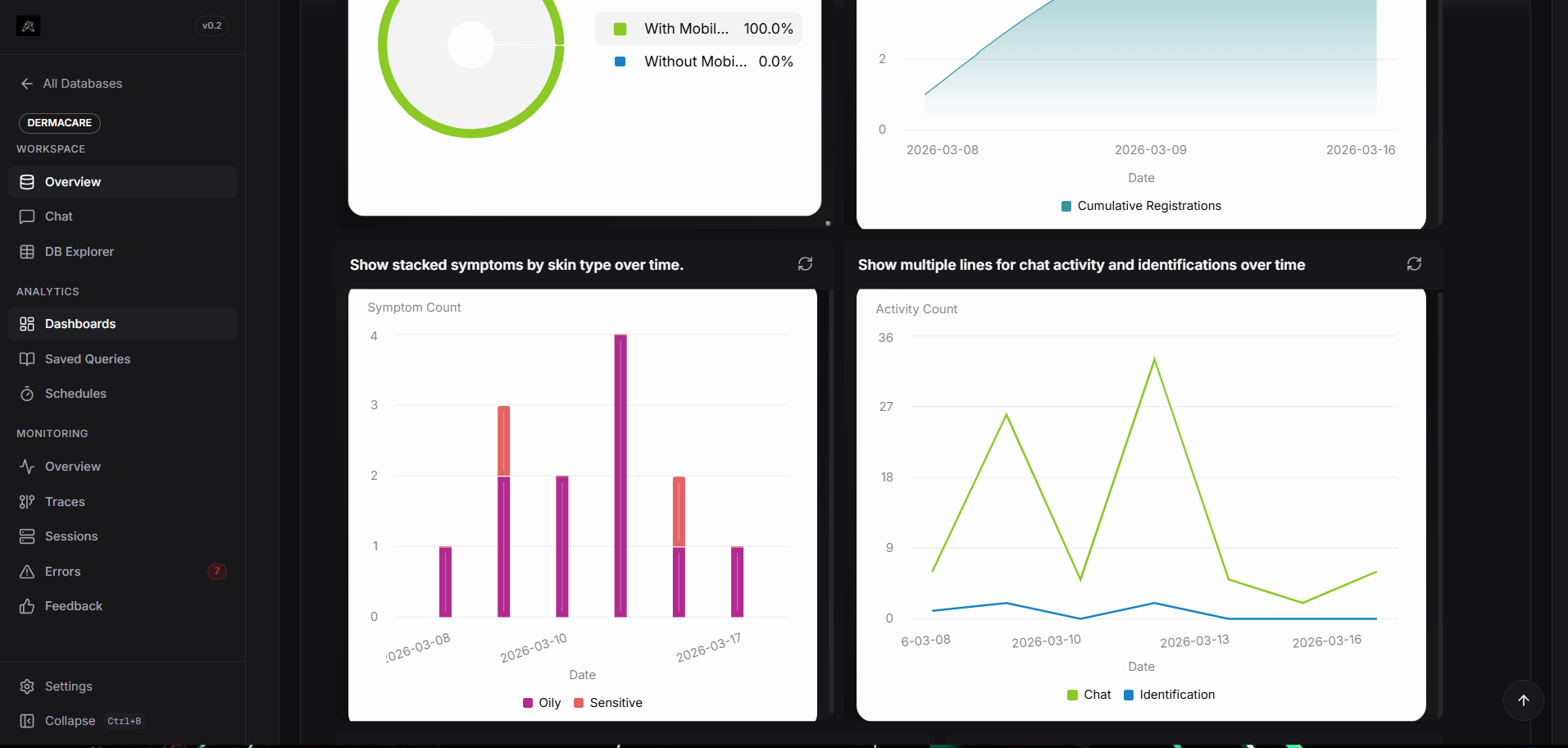 When you pin a chart from the chat, the underlying SQL generated by the LLM is saved with the chart widget. Every time the dashboard refreshes, it will re-execute that exact SQL to fetch live data.