> ## Documentation Index
> Fetch the complete documentation index at: https://arivu.mintlify.site/llms.txt
> Use this file to discover all available pages before exploring further.
# Error Boundaries
> Detect, isolate, and recover from execution anomalies.
 ## Overview
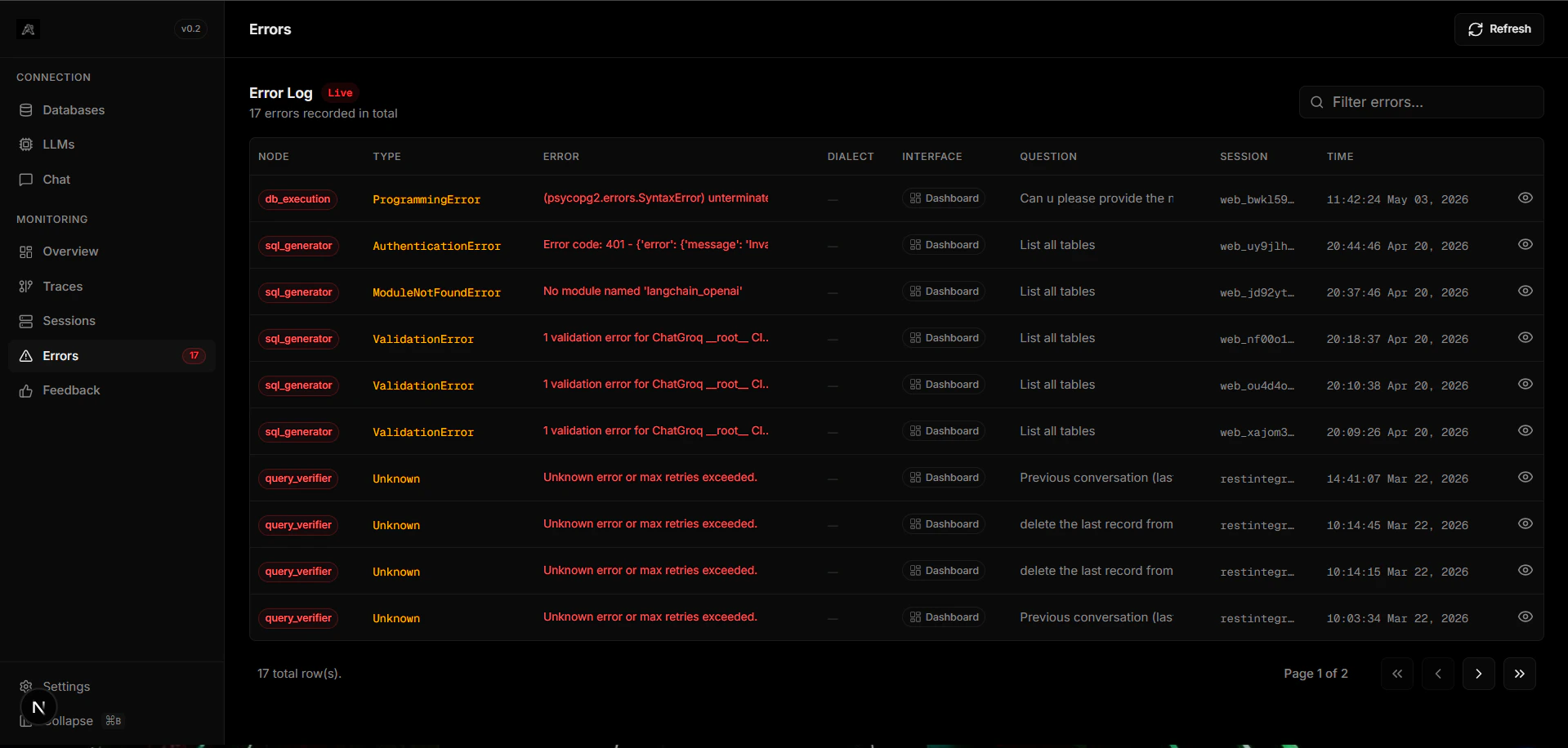
When Arivu hits an unrecoverable state (e.g., an LLM parsing failure, or unreachable database host), the pipeline delegates control to the `error_boundary` node, which logs precisely to this dashboard pane.
Full Python stack traces mapped to the specific failing LangGraph node.
Differentiates between schema extraction issues, LLM rate limits, and semantic errors.
## Common Error Types
The LLM generated invalid SQL that exceeded the maximum retry limit (3 attempts). The trace shows all correction attempts before the final failure.
Your LLM provider returned a rate-limit error. Consider switching to a provider with higher quotas or enabling semantic caching to reduce call volume.
The `db_execution` node could not connect to the target database. Verify your connection string and firewall rules.
Errors are logged with full context (question, generated SQL, node, and Python traceback) to enable quick root-cause analysis.
## Overview
When Arivu hits an unrecoverable state (e.g., an LLM parsing failure, or unreachable database host), the pipeline delegates control to the `error_boundary` node, which logs precisely to this dashboard pane.
Full Python stack traces mapped to the specific failing LangGraph node.
Differentiates between schema extraction issues, LLM rate limits, and semantic errors.
## Common Error Types
The LLM generated invalid SQL that exceeded the maximum retry limit (3 attempts). The trace shows all correction attempts before the final failure.
Your LLM provider returned a rate-limit error. Consider switching to a provider with higher quotas or enabling semantic caching to reduce call volume.
The `db_execution` node could not connect to the target database. Verify your connection string and firewall rules.
Errors are logged with full context (question, generated SQL, node, and Python traceback) to enable quick root-cause analysis.