

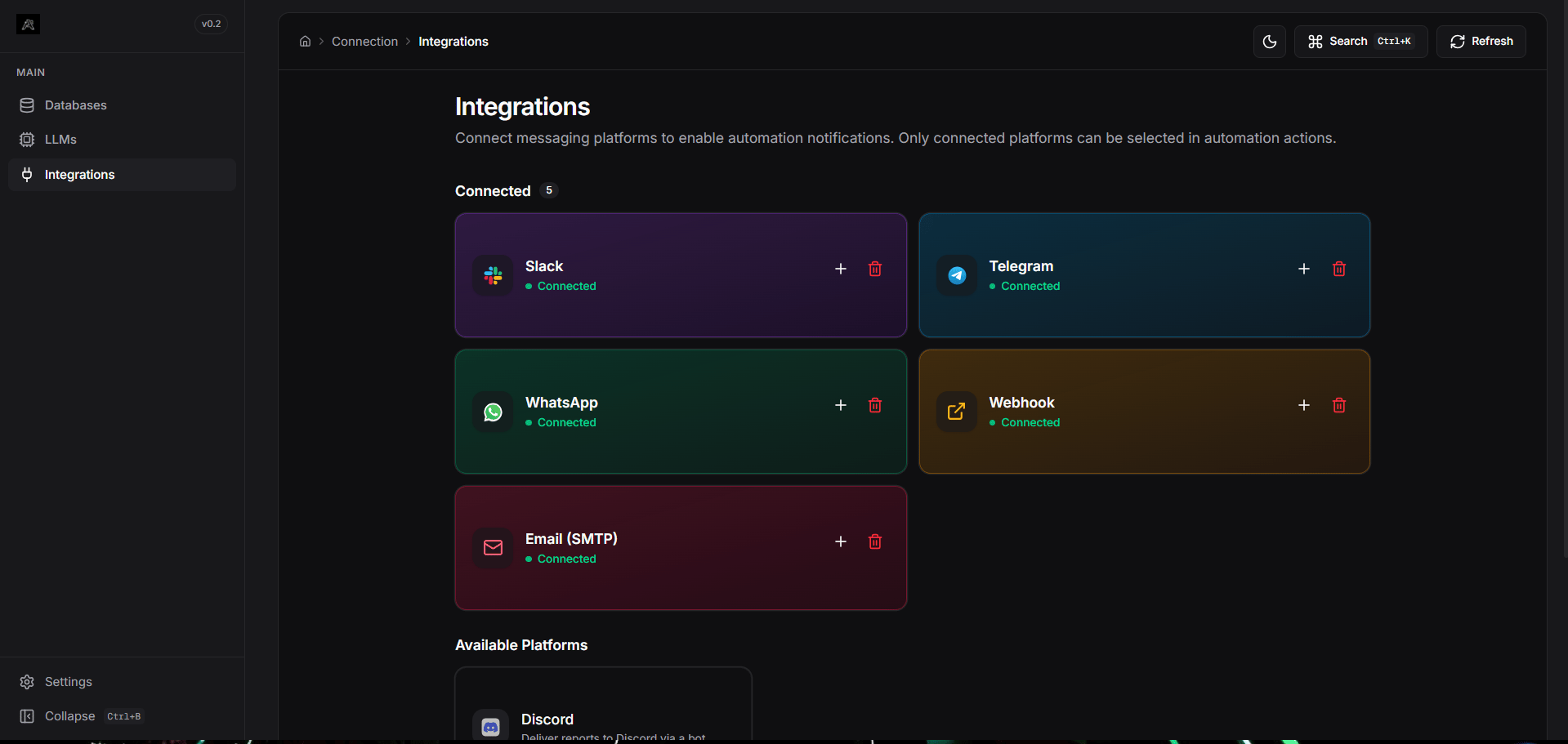
Supported Platforms
Telegram
Deliver automation reports via a custom Telegram bot to groups or individuals.
Send reports to WhatsApp numbers using the Twilio API integration.
Slack
Post query results directly to specific Slack channels using a bot token.
Discord
Send messages to Discord channels via a server bot.
Webhook
POST query results as JSON to any HTTP endpoint (e.g., Zapier, n8n, custom APIs).
Email (SMTP)
Use your configured SMTP server to send scheduled HTML email reports.
Configuration Flow
- Global Configuration: Navigate to Connections -> Integrations on the Arivu Dashboard.
- Connect a Platform: Click on the platform you want to connect (e.g., Slack). Follow the inline Setup Guide to get your Bot Tokens, Webhook URLs, or Twilio SIDs.
- Store Securely: Provide the credentials. These are securely stored locally within your Arivu instance.
- Attach to Automations: Once connected, the platform becomes “Active” and can be selected as an action target when creating Scheduled Automations inside your database workspace.